
Penguin editorial / 2026-07-08
Print-Ready Brochures: A File Checklist for Hong Kong Businesses
Check brochure size, bleed, image quality, folds and final proof against your printer’s specifications before approving a Hong Kong print job.
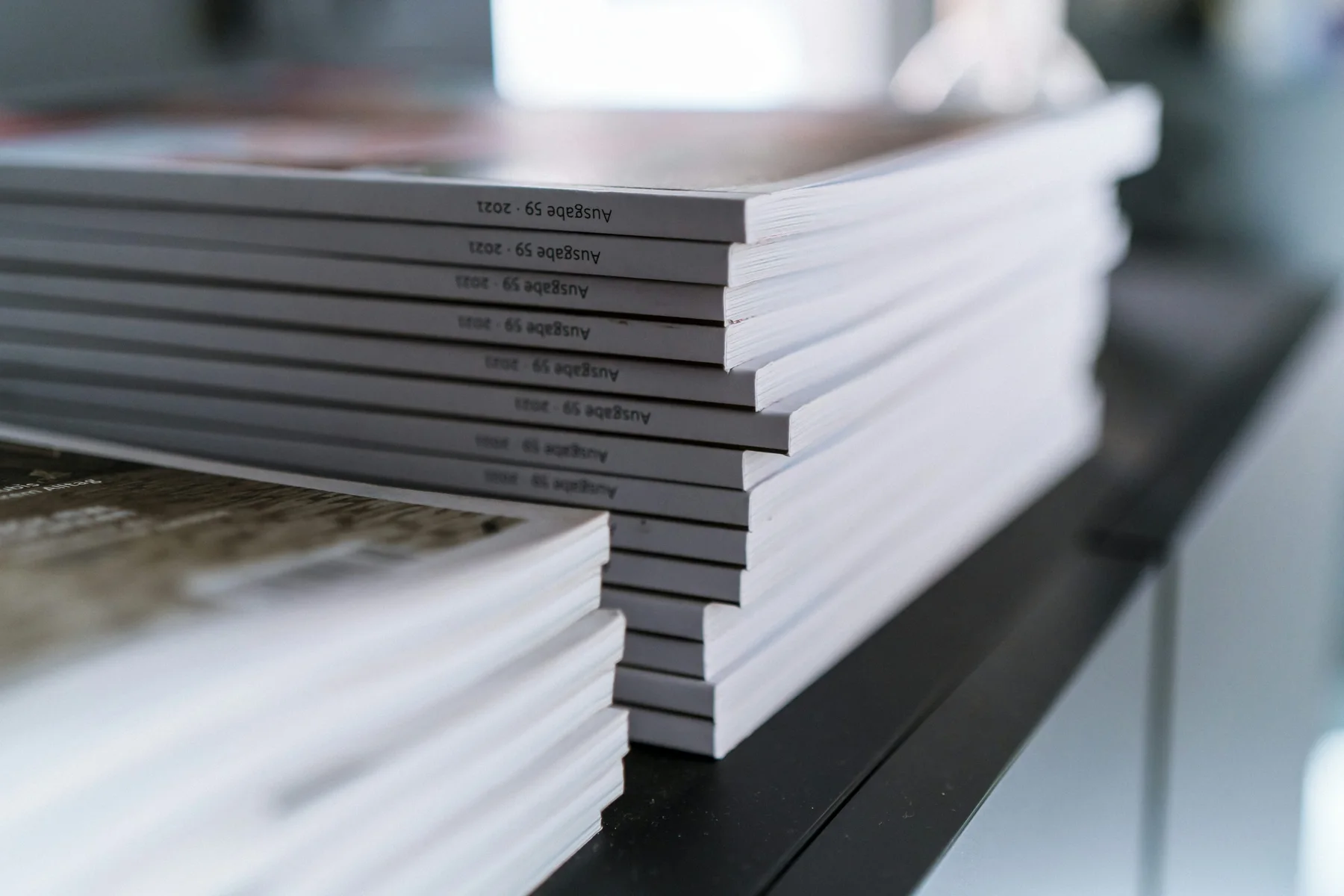
A brochure can look finished on screen and still be difficult to print if its trim size, bleed or fold panels are wrong. Before sending artwork, confirm the printer’s job-specific specifications, then check the file against them. There is no single bleed, colour or PDF setting that suits every product and production workflow.
Confirm the job before designing
Ask the printer to confirm the finished size, paper and fold style, number of panels, colour and sides, quantity, file format and deadline. Request the current artwork template or specifications. If comparing options, share the intended use before finalising the layout.
A tri-fold, roll fold or half fold changes where panels meet. A panel may need to be narrower so the brochure closes neatly. Do not assume equal sections: use the supplied template and confirm the fold arrangement. Keep text, logos, contact details and QR codes clear of fold lines.
Print-ready brochure checklist
- Size and orientation: Set the document to the confirmed finished dimensions and orientation. Check that a multi-page or spread layout follows the printer’s instructions rather than treating the bleed-inclusive size as the finished size.
- Bleed and trim: If colour, an image or a background runs to the edge, extend it beyond the trim by the amount specified for this job. Keep essential content within the safe area. Bleed allowances vary; do not copy a measurement from an unrelated template. B&B Press explains bleed and trim.
- Images and logos: Check photographs at their final placed size, not just when enlarged on screen. A common print target for raster images is around 300 PPI at final size, but the required quality depends on the output and supplier guidance. Avoid enlarging small web images; use vector artwork for logos when available.
- Colour: Ask whether the file should be supplied in CMYK, RGB or another specified setup, and whether a colour profile is required. Screen appearance is not a reliable guarantee of the printed colour, so flag brand-critical colours early.
- Fonts and links: Follow the export instructions for embedding fonts or converting text to outlines. Check that linked images are included and that fonts render correctly in the exported file. Keep an editable source file in case corrections are needed.
- Panels and content: Confirm which panel is the front cover, back cover and inside flap. Check reading order, orientation, margins and the position of headlines, images and calls to action on both sides. Ensure no essential text or QR code straddles a fold.
- Proofreading: Verify every name, phone number, email address, URL, date, price and product detail against the approved copy. Scan each QR code with a phone and confirm that its destination is correct. Ask a second person to review the final version.
- Export and inspect: Export using the requested PDF settings or file type. Reopen the exported file and inspect every page at normal size and close up; check that images are present, text is not clipped, and the page order and orientation are right. A PDF alone does not make artwork print-ready. Overnight Prints’ file guide also notes that product requirements should be checked with the printer.
Approve the right proof
Before production, review the proof or preflight feedback. Check trim, panel sequence, fold direction, spelling, image placement and colour-sensitive elements. A screen proof helps with layout and content, but may not reproduce the exact appearance of ink and paper. If a detail is critical, ask what kind of proof is available and what it verifies.
Approve only when the proof matches the final copy and layout. If you make a correction, send a clearly named replacement and confirm which file is current. Keep the approved proof and artwork together for reprints.
Frequently asked questions
Is a PDF always the correct file to send?
PDF is commonly used because it can preserve layout, but accepted formats and settings differ. Follow the printer’s instructions and check that the export contains the intended pages, fonts and images.
Should brochure panels be equal widths?
Not necessarily. The fold type and production method can affect panel widths and sequence. Use the printer’s template and confirm the layout before completing the design.
Can I rely on the colours on my monitor?
Treat the screen as a reference, not a precise print match. Discuss colour setup and proofing with the printer, especially for brand colours.
For help preparing a file or discussing brochure printing in Hong Kong, share the finished size, fold, quantity and deadline with Penguin Business Service. You can also visit Penguin Printing for printing information.